


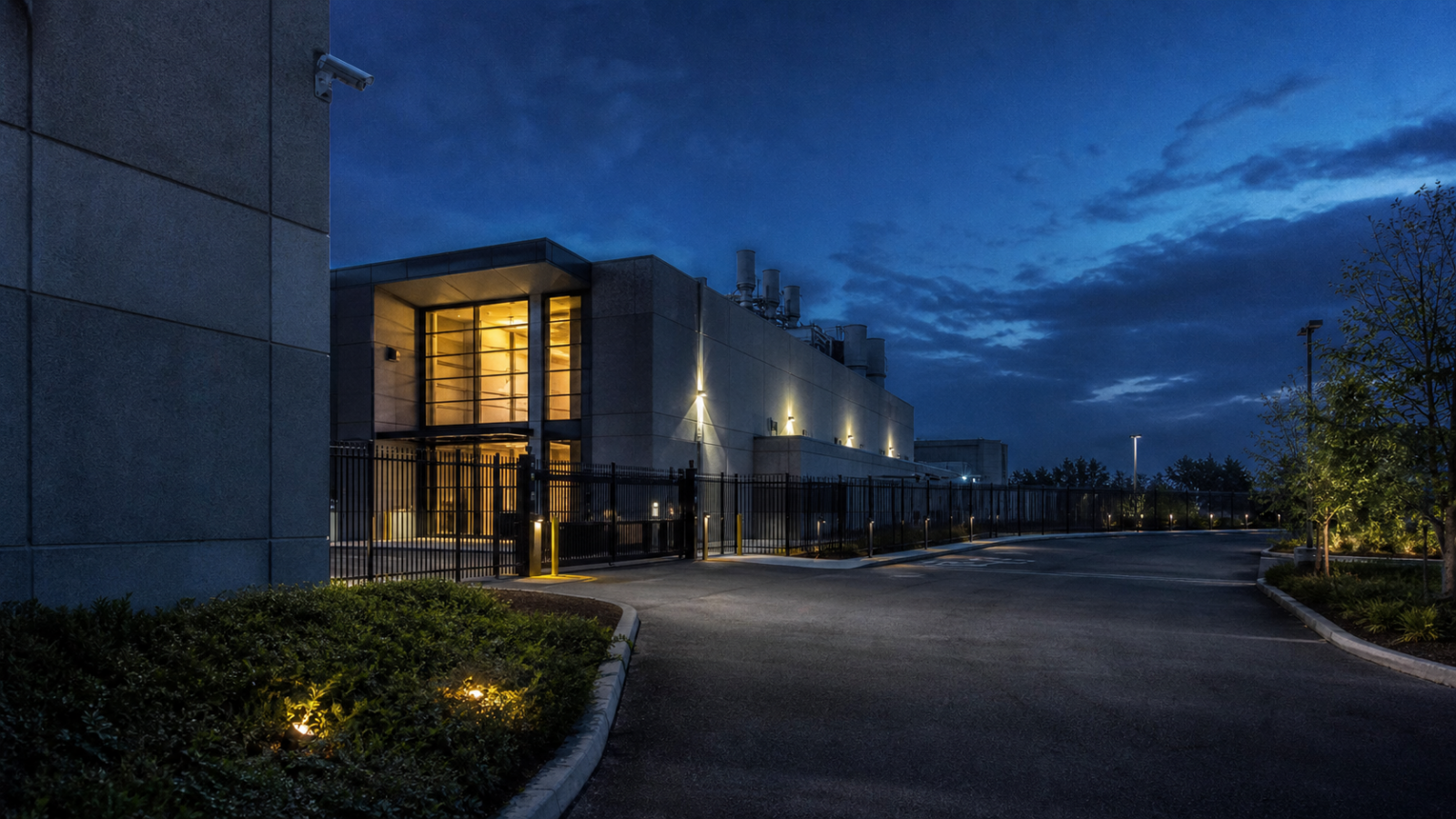
A server room can have excellent firewalls and still be exposed to a simple physical problem: an unauthorized person reaches a rack, a power panel fails, or a leaking pipe damages equipment. Server room physical security best practices reduce those risks with controlled entry, clear monitoring, environmental protection, and tested recovery procedures.
This guide is for small hosting rooms, private offices, colocation cabinets, and managed infrastructure teams. It focuses on controls that can be checked and documented, with practical cost ranges and benchmarks for 2026.
What is server room physical security?
Server room physical security is the set of building, access, monitoring, power, fire, water, and operational controls that prevent unauthorized people or physical hazards from damaging servers and networking equipment.
The goal is not to make a room impossible to enter. The goal is to ensure that every entry is authorized, recorded, supervised when necessary, and followed by a usable audit trail.
Why physical controls still matter

Remote administration does not remove local risk. A person with access to a rack can disconnect a host, attach an unknown device, photograph storage labels, reset hardware, or interrupt power. A failed air conditioner can also push equipment beyond its normal operating range long before a software alert explains the cause.
For a small business, one hour of downtime may cost more than a door controller. For an online store processing $2,000 in hourly sales, a four-hour outage represents $8,000 in delayed or lost revenue before support and recovery work are counted. The right controls should be sized against that exposure.
Core server room physical security best practices
1. Put the room inside a controlled area
Choose an interior room away from public reception areas, loading bays, restrooms, kitchens, and exterior windows. Avoid locations below water pipes or directly beneath a roof with a history of leaks. If a dedicated room is unavailable, use a locked cabinet or cage with a documented clearance zone around it.
Do not use the server room as general storage. Cardboard, cleaning chemicals, spare furniture, and unrelated tools raise fire and obstruction risks. Mark a clear path to the racks, electrical panels, and emergency shutoff.
2. Use named access, not shared keys
Every person who enters should have an individual identity. Suitable options include a badge reader, PIN plus badge, or a managed smart lock. A mechanical key may be necessary as an emergency backup, but it should be numbered, held by a limited group, and reviewed after staff changes.
Set access by role. A facilities contractor may need access to the air-conditioning unit but not to server racks. A web developer may need a supervised visit rather than permanent entry. Remove access on the person’s last working day, not during the next quarterly review.
3. Keep an entry and visitor record
Record the name, organization, reason for entry, sponsor, time in, time out, and equipment touched. A badge system can automate much of this. For a room with fewer than 10 visits per week, a protected digital form is often enough if it is backed up and reviewed monthly.
Visitors should be escorted. Require a ticket or work order for planned maintenance, and ask the sponsor to confirm the work before the visitor leaves. Record serial numbers when equipment is installed, removed, or replaced.
4. Cover the room and approach with cameras
Use cameras at the entrance, in the corridor or approach, and where the racks or cabinets are visible. The camera should show a face at the door and a readable time stamp. Test night performance, retention, and export rather than assuming the system works because a live view appears.
A 4MP or 5MP IP camera commonly costs $60 to $180, while installation, storage, and a small recorder can bring a two-camera setup to roughly $400 to $1,200. Retain footage for at least 30 days when contract, insurance, or regulatory requirements do not specify a longer period. Protect the recorder from the same room if possible.
5. Separate camera and access-control power
Put door controllers, cameras, network switches, and the recording system on an uninterruptible power supply. A 1,500VA UPS may cost about $250 to $600 and can keep low-power security equipment active during short interruptions. Test runtime under load twice a year.
Do not place every security component on the same switch or circuit as the main servers. A local breaker fault should not erase the evidence needed to investigate it.
6. Monitor temperature, humidity, smoke, and water
Use sensors that send alerts to a person or on-call service, not only to a dashboard. For most equipment rooms, a practical target is 18 to 27 degrees Celsius with non-condensing relative humidity. The acceptable range depends on the equipment manufacturer, so the room standard should be written down.
Install a leak sensor near cooling units, door thresholds, and likely pipe routes. Use a dedicated smoke detector designed for the building and fire system. A $30 to $150 sensor is inexpensive compared with replacing a rack of servers, but only if alerts are tested and someone is assigned to respond.
7. Control fire risk with the right suppression system
Never treat a household extinguisher as the complete fire plan. Coordinate with a qualified fire-protection contractor and the building authority. Water systems may be required by code, but equipment rooms can also use clean-agent systems such as inert gas or FK-5-1-12 where the design and occupancy rules permit.
Document alarm behavior, shutdown rules, room occupancy limits, and the location of manual releases. A suppression system that has never been inspected is not a reliable control.
8. Secure racks, consoles, and removable media
Lock rack doors and side panels. Disable unused front USB ports where the platform allows it, and restrict boot access through firmware passwords and hardware policies. Keep spare drives, backup tapes, and configuration printouts in a locked cabinet outside the main rack area.
Label equipment with asset IDs rather than full hostnames or customer names. Keep the detailed inventory in a restricted system. When a drive or server leaves the room, use a documented chain of custody and an approved sanitization or destruction process.
Control comparison by facility size
| Facility | Minimum controls | Useful next step | Typical starting cost |
|---|---|---|---|
| Small office rack | Locked cabinet, named access, UPS, temperature and water alerts | Camera and quarterly access review | $500 to $2,000 |
| Dedicated server room | Badge access, visitor log, cameras, environmental sensors, fire plan | Generator test and annual risk assessment | $3,000 to $15,000 |
| Colocation suite | Provider access logs, cage locks, dual authorization, CCTV retention | Review provider SOC or facility reports and incident process | Usually included in monthly fee |
| High-availability site | Redundant power and cooling, mantrap, monitored alarms, formal procedures | Independent audit and recovery exercise | $25,000 plus site dependent |
How hosting providers should be assessed
When comparing a colocation or managed hosting provider, ask for evidence rather than broad claims. Confirm whether access is logged by individual, whether visitors are escorted, how long video is retained, and who can approve emergency access.
- Ask for the facility location, flood exposure, and building access arrangements.
- Check whether power feeds, cooling units, and network paths have documented redundancy.
- Ask how often generators, UPS systems, alarms, and fire systems are tested.
- Confirm the incident notification window in the contract.
- Review the process for customer hardware installation, removal, and disposal.
- Ask whether the provider can supply an access report for your cage or cabinet.
A low monthly price is not useful if a provider cannot explain who enters the building or how an overnight alarm is handled. Compare the control evidence with your uptime target and data sensitivity.
Testing schedule that stays practical
Security controls fail when they are installed once and forgotten. Use a short schedule with named owners:
- Weekly: review active alerts, check that the door closes and locks, and confirm the room is free of storage and obstructions.
- Monthly: review entry records, remove stale access, test a camera export, and inspect leak and temperature sensor status.
- Quarterly: test UPS runtime, review asset inventory, inspect rack locks, and verify emergency contact details.
- Twice yearly: run a controlled alarm exercise and inspect generator or building power procedures with facilities staff.
- Annually: conduct a risk assessment, review insurance and contracts, and perform a recovery exercise involving the operations team.
Keep evidence for each test: date, person responsible, result, exception, and correction deadline. This turns a checklist into an operating control.
Common mistakes to avoid
Shared access codes make investigations difficult. Unmonitored emergency keys create an alternate path around the badge system. Cameras pointed only at racks may miss the person entering the room. Sensors that send alerts to a retired inbox provide no protection. Finally, a documented procedure with no drill will fail under pressure.
Physical security is effective when the room, the records, and the response process tell the same story.
Questions and answers
What is the most important physical control for a small server room?
Start with a locked room or cabinet, individual access, and a reliable alert path for temperature, smoke, power, and water. Those controls address unauthorized entry and the most common equipment-threatening events.
How long should server room camera footage be kept?
Thirty days is a practical baseline for many small facilities, but contracts, insurance, and local rules may require more. Set retention after checking the time needed to discover and investigate an incident.
Does a server room need a security guard?
Usually not for a small office. Named access, visitor escorting, cameras, alarms, and an on-call response can provide better value. Larger facilities may need guards for perimeter and loading-dock control.
How often should physical security be reviewed?
Review access monthly and run a broader risk assessment at least annually. Review immediately after a move, break-in, major equipment change, staff departure, or building incident.
Final checklist
A dependable room has controlled entry, individual identities, escorted visitors, useful video, protected security power, environmental alerts, a fire plan, locked racks, accurate inventory, and regular tests. Apply these server room physical security best practices in order of risk. Start with access and alerts, document ownership, then add redundancy and formal audits as the value of the hosted systems grows.