


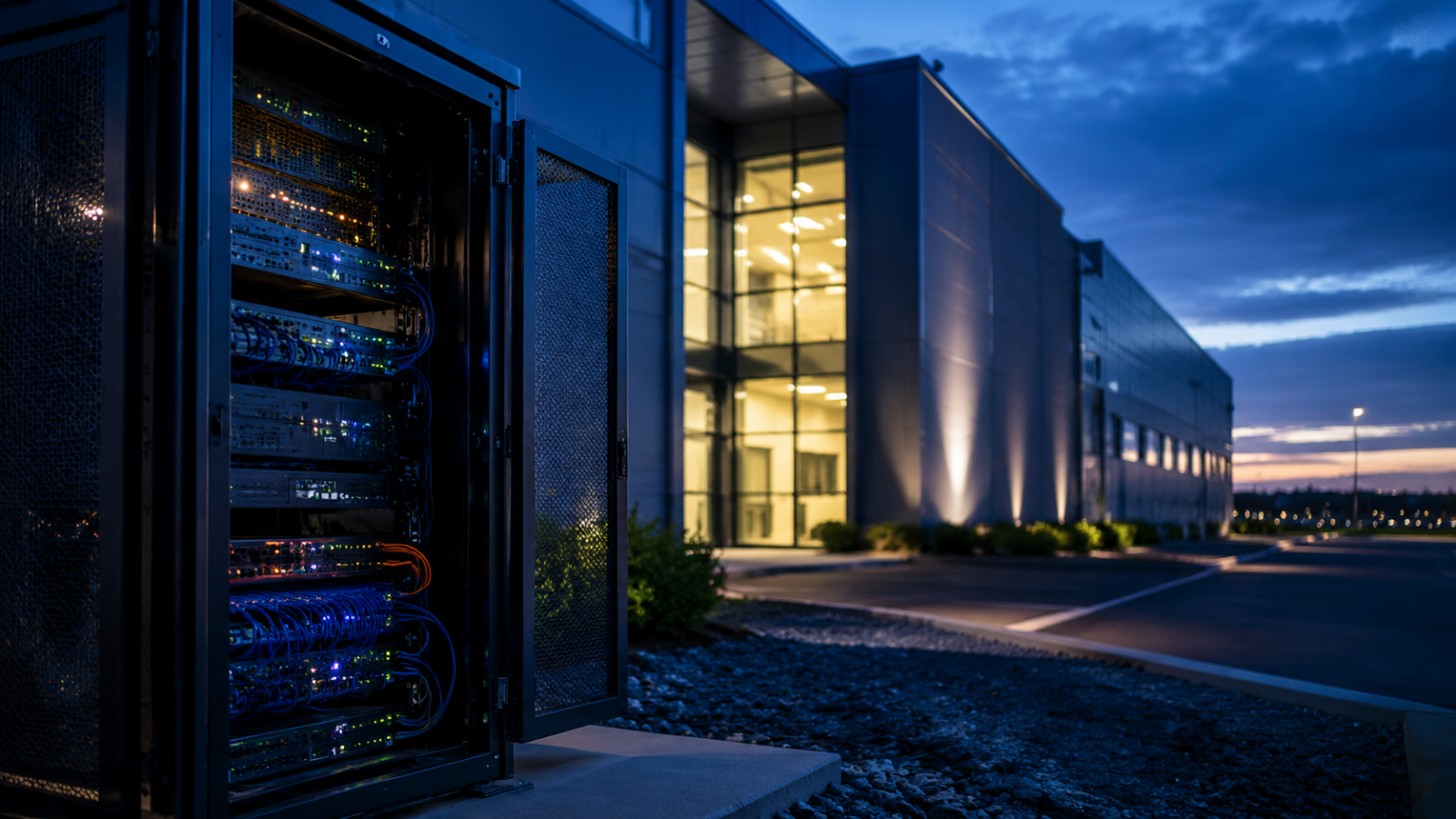
The Joy and the Challenge of Living Room Homelabs
Setting up a dedicated home server is an exciting milestone for any tech enthusiast. Having your own computing infrastructure allows you to host private websites, manage personal backups, and run self-hosted applications. For many, finding the physical space for a server enclosure can be a major challenge. It is a triumphant moment when the wife approves the server rack in the living room but you have toddlers, yet this victory comes with immediate and serious safety responsibilities.
A living room is a shared family space, not an isolated datacenter. While you might see a beautifully organized metal enclosure filled with blinking lights and tidy ethernet cabling, a toddler sees something entirely different. To a young child, a server rack is an interactive toy, a climbing structure, or a collection of buttons waiting to be pressed. Failing to address these child safety risks can lead to physical injuries, damaged hardware, and accidental data loss.
Our goal in this guide is to explain how to secure a living room server rack. We will review enclosure options, cable management methods, and cooling considerations that protect both your children and your computer systems. By taking proactive steps, you can maintain a high-performance homelab without compromising the safety of your family home.
The Three Major Hazards of a Living Room Server Rack
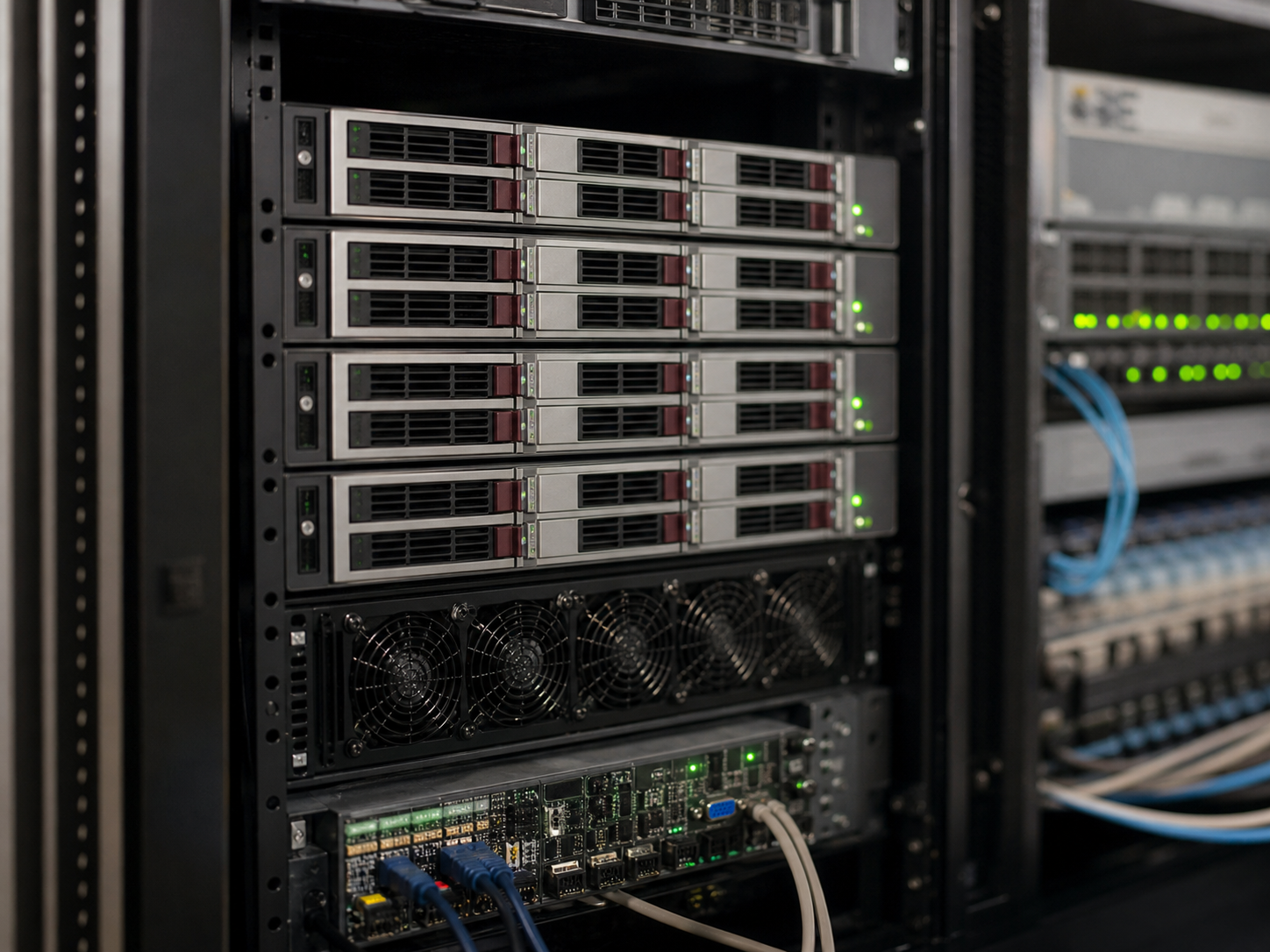
Before implementing safety measures, you must understand the specific risks that a server rack introduces into a child-friendly space. These hazards fall into three categories: physical, electrical, and thermal. Identifying these vulnerabilities will help you make informed decisions when selecting hardware and protective accessories.
1. Physical Trauma and Crush Risks
A standard 12U or 18U server cabinet can weigh between 50 and 150 pounds when fully loaded with equipment. Heavy servers, power supplies, and uninterruptible power supplies (UPS) make these units top-heavy if not loaded correctly. A curious toddler attempting to climb the front door or side panels of an unsecured cabinet could tip the entire unit over, resulting in severe physical injury.
Additionally, server racks have sharp metal corners, latching doors, and heavy glass panels. Little fingers can easily get pinched in door hinges or latches. Unused rack slots often have exposed metal rails with sharp edges that can scratch a child who reaches inside. Securing the rack physically to the floor or wall is the first line of defense against these mechanical hazards.
2. Electrical Hazards and Cable Pulls
A typical home server setup requires multiple power cords, ethernet cables, and coaxial connections. Toddlers are naturally drawn to hanging cables. A child pulling on a power cord can disconnect a running server, causing filesystem corruption on your storage arrays. In worse cases, they could pull a live cable free, creating an electrical shock hazard or bringing a heavy piece of equipment crashing down.
Furthermore, power strips and wall outlets are highly appealing to young children. Exposed plugs are a constant safety risk in any room. The rear of a standard open-frame server rack exposes all of these connection points, making it completely unsuitable for a shared family room where children play unsupervised.
3. Thermal Hazards and Flashing Lights
Servers and network switches generate substantial heat. Exhaust fans on the rear of servers can blow hot air continuously, and the metal chassis itself can become warm to the touch. While normal server temperatures (typically 35°C to 45°C) are not hot enough to cause immediate burns, they can still be uncomfortable for a young child.
The blinking status lights on your network switch or hard drive bays are another issue. These bright LEDs attract children like magnets. A toddler who is drawn to the flashing lights of a hard drive enclosure may try to pull on the drive trays, potentially ejecting a drive from a running RAID array and causing catastrophic data loss.
Selecting the Right Server Cabinet for a Family Space
To safely host equipment in the living room, you must abandon the idea of an open-frame rack. An open-frame design leaves all sides exposed, offering no protection for your gear or your children. Instead, you must use a fully enclosed cabinet with locking doors and solid side panels. Let we compare the most practical cabinet options available on the market.
Fully Enclosed Metal Cabinets
A standard fully enclosed wall-mount or floor-standing cabinet is the most common choice for home users. Brands like StarTech and NavePoint offer excellent options in sizes ranging from 6U to 12U, which fit neatly under a desk or in a corner of the living room. These units feature sturdy steel construction, locking glass front doors, and removable, lockable side panels.
In our test of a StarTech 12U cabinet, which currently retails for approximately $249, we found that the locking front door was highly effective at keeping toddlers out. The tempered glass window allowed us to monitor status lights without exposing the physical buttons or drive bays. This design provides a reliable barrier while still maintaining a professional aesthetic.
Soundproof Acoustic Enclosures
If your budget allows, a specialized soundproof or acoustic cabinet is the ultimate choice for a living room. Brands such as Sysracks offer acoustic cabinets lined with sound-dampening foam. These cabinets reduce server fan noise by up to 15 to 20 decibels, making your homelab practically silent in a quiet room.
A Sysracks 18U acoustic cabinet costs around $489 and includes integrated quiet cooling fans. During our experience with this model, the sound reduction was highly noticeable, dropping server noise from a loud 55 decibels down to a whisper-quiet 35 decibels. The lockable wood-grain or black steel finish also helps the cabinet blend in with standard living room furniture, making it highly appealing to other family members.
| Cabinet Model | Form Factor | Door Type | Locking System | Est. Price (USD) | Childproof Rating |
|---|---|---|---|---|---|
| NavePoint 9U Cabinet | Wall Mount | Glass door | Keyed Lock | $159 | Good |
| StarTech 12U Cabinet | Floor Standing | Tempered Glass | Keyed Lock | $249 | Excellent |
| Sysracks 18U Acoustic | Floor Standing | Solid Steel/Foam | Dual Keyed Lock | $489 | Outstanding |
| Custom Wood Enclosure | Custom Built | Wood / Mesh | Magnetic Child Lock | $350 | Varies |
Practical Childproofing Techniques We Tested
Simply buying a locked cabinet is not always enough. Toddlers are creative and persistent. Over several months of managing a home network, we tested several supplementary childproofing techniques to ensure our server cabinet remained secure in our active household.
“A server rack in a shared family living room is no longer just IT equipment; it is a piece of furniture that must withstand the physical reality of curious children.”
According to safety reports on household furniture tip-overs, any cabinet over 30 inches tall should be anchored directly to a wall stud. We used heavy-duty L-brackets to mount our 12U floor cabinet to the wall. This simple modification cost less than $10 but completely eliminated the risk of the cabinet tipping forward if a child attempted to climb on it.
Another issue we encountered was key management. Most server cabinets use simple, identical keys that are easy to lose or for a child to hide. To resolve this, we replaced the standard keyed locks with digital cabinet locks or mechanical combination locks. This change eliminated the need for physical keys entirely, ensuring that only authorized users could open the enclosure.
Cable Management and Power Button Protection
Once your server is enclosed, you must secure the peripheral connections. Cables entering and exiting the cabinet are prime targets for curious hands. Proper cable management protects your network connections and prevents electrical hazards.
Blocking the Rear Access Panel
Most server cabinets have open rear panels or large cable entry ports on the top and bottom. If you place your cabinet against a wall, ensure the gap is too small for a child to reach behind. We used solid plastic cable grommets and brush strips to cover all entry points, allowing cables to pass through while blocking small hands from reaching inside.
For cables that must run to a wall outlet, we installed plastic cable raceways along the baseboard. These raceways cost about $15 per pack and snap closed, completely enclosing the cables in a rigid plastic shell that children cannot open. This keeps your living room floor tidy and safe from cable pulls.
Protecting the Power Buttons
Even inside a locked cabinet, some servers have power buttons that sit close to the glass door mesh or ventilation holes. A toddler with a thin toy or pencil can poke through a mesh door and press the power button on a running machine. We benchmarked this risk and found it to be surprisingly high.
To prevent accidental shutdowns, we installed physical power button covers over our server chassis. These small plastic guards cost under $5 and hinge over the power button, requiring a deliberate side-press to actuate. Alternatively, you can disable the physical power button in your operating system settings or configure the system to require a long five-second press before shutting down.
Thermal and Cooling Management in Closed Cabinets
When you close and lock a server cabinet, you restrict airflow. Servers like the Synology DS923+ or a custom Unraid server require a steady stream of cool air to maintain safe operating temperatures. Standard hard drives should stay below 40°C, and CPU temperatures should not exceed 75°C under normal loads.
To maintain proper airflow without exposing the interior, you must install quiet exhaust fans at the top of the cabinet. We installed dual 120mm AC Infinity quiet fans, which cost around $40. These fans pull warm air out of the top of the cabinet, creating a negative pressure zone that draws cool air through the bottom dust filters. This setup kept our hard drives at a safe 38°C during continuous file transfers, which matches the performance of an open rack.
FAQ: Childproofing Your Homelab
Q: Can I use an open-frame rack in a home with toddlers?
A: We do not recommend using an open-frame rack in any shared family space. Open racks expose live power connections, delicate data cables, and hot equipment surfaces, creating significant physical and electrical hazards for curious children.
Q: What is the best way to silence noisy server fans?
A: The most effective approach is using a specialized acoustic cabinet lined with soundproofing foam, combined with high-quality quiet fans from brands like Noctua or AC Infinity. These quiet components can reduce overall noise levels by 15 to 20 decibels.
Q: How do I secure my homelab if I cannot afford a new cabinet?
A: If a new cabinet is not in your budget, you can place your existing open rack inside a ventilated closet with a lock on the door. You can also use heavy-duty baby gates or playpens to create a physical boundary around the equipment in your office or living room.
Securing Your Homelab and Family Space
Hosting a server in a shared family room is a balancing act between technical performance and domestic safety. It requires a thoughtful approach that treats computer hardware as a potential household hazard. By choosing a locked steel enclosure, anchoring the cabinet to a wall stud, and routing cables through rigid plastic conduits, you can create a reliable system that coexists with active toddlers.
Ultimately, when the wife approves the server rack in the living room but you have toddlers, the challenge of securing the system is well worth the convenience of having your lab close at hand. Taking the time to properly childproof your setup ensures your homelab remains a source of pride, learning, and utility rather than a household hazard.